From idea to presentation in minutes: how to make slides with Claude
You don't need complicated design tools. Learn how to ask Claude to generate professional HTML + CSS presentations, ready to use in your browser. Full control, speed, design freedom.
I remember the time when every presentation took hours of design. Adjusting colors, aligning elements, exporting. Now I tell Claude what topic, how many slides, what style — and in minutes I have an HTML file ready to open in the browser. You don’t need a subscription to any tool. You don’t need to know HTML. You just need to know how to ask.

The problem we all know
Traditional tools work, but have limitations. PowerPoint hasn't truly evolved in decades. Learning Figma or Canva takes time and demands visual thinking. Gamma is useful, but it's one more subscription on your list. They are all interfaces between you and what you want to create.
The result is clean code that you control 100%. You can open it in any browser and save it locally, on your desktop or phone. You can convert it to PDF. If you have your own website, you can store it there and share the link and keep it always updated. Then, if you master Django and Python, you can create your own tool that dynamically personalizes your templates according to the needs of your prospect or client. It's a one-way journey. I'll never touch PowerPoint again in my life.
Fundamentals: HTML, CSS and JS without techy jargon
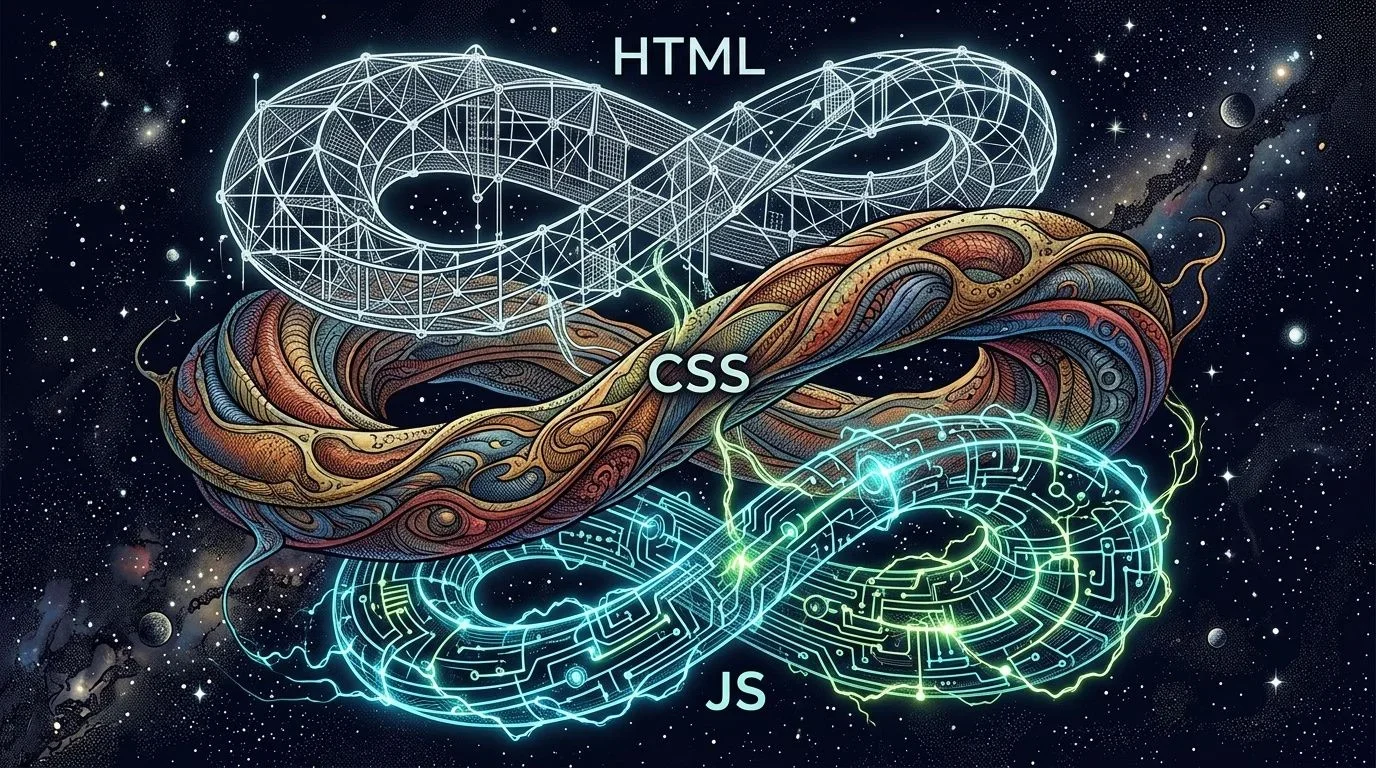
To understand what Claude does, you only need a simple analogy. HTML is the skeleton: it defines the structure of your presentation — titles, paragraphs, images. It's the "what". CSS is the skin and clothing: colors, fonts, spaces, animations. It's the "how it looks". Without CSS, everything would look like a plain text document. JS is the muscles and brain: it makes the presentation react — click to advance, hover to change color. It's the "how it behaves". Claude generates all this. You just ask.
How it works in practice
I'll show you the method I use to create any new presentation:
Step 1: Prepare your mental brief. Define the topic, number of slides (e.g., 8), visual style ("minimalist blue + orange", "dark theme with gradients"), audience (investors, internal team, client), and the specific data you want to include.
Step 2: Ask Claude. Something like: "Make me an HTML + CSS presentation about [TOPIC]. [X] slides. Style: [DESCRIPTION]. Include: [SECTIONS]. Generate a complete, standalone file (all in one HTML)."
Step 3: You receive an HTML file. Complete, ready to use. You open it in the browser and it works instantly. You can navigate with buttons or arrow keys. If you need PDF, export from the browser.
Step 4: Customize (optional). Change colors, texts or images directly in the HTML. It's not complicated — it's copy, paste and intuition.
I've used it for internal presentations at CICC with membership data, to showcase DHA Devs success stories, and even to explain ZenReflex in investment meetings. All were born as HTML files generated in minutes.
What you gain
Total control. The file is yours. It doesn't depend on a subscription, it doesn't live in someone else's cloud. You save it on your computer, on your server, in Git.
Speed. From idea to ready presentation in minutes, not hours. Revisions are fast: you change a number, regenerate.
Learning. As you read the HTML that Claude generates, you start to understand how a web presentation is built. You don't need to know beforehand, but you learn by seeing.
Design freedom. No template limits. You can include charts, animations, embedded videos, live data. Anything that works in a browser.
Advanced variant (for those who want to go further)
If later you want to integrate this into Django — as I do — connect to a database, generate dynamic presentations per client, track views — that's the next step. But to start, HTML alone is enough.
The learning
Tools don't disappear. But next time you need a presentation, try something different: think about what you want, write it down, ask Claude to generate it. You receive a ready HTML file. You open it in the browser. It's 100% yours. You can share it, edit it, improve it. This is what I do every time I need something new. And the more I do it, the more I discover things I used to think required specialized software. Try it. Tell me what results you got.
Q I don't know anything about programming, can I do this?
Q Isn't it the same as using Gamma or Canva?
Q Does an HTML presentation look good on any screen?
Most presentations look generic because the tools don't invite quick customization. With HTML + AI, each slide can be unique with no extra effort.
Own estimate based on market trends (2025-2026).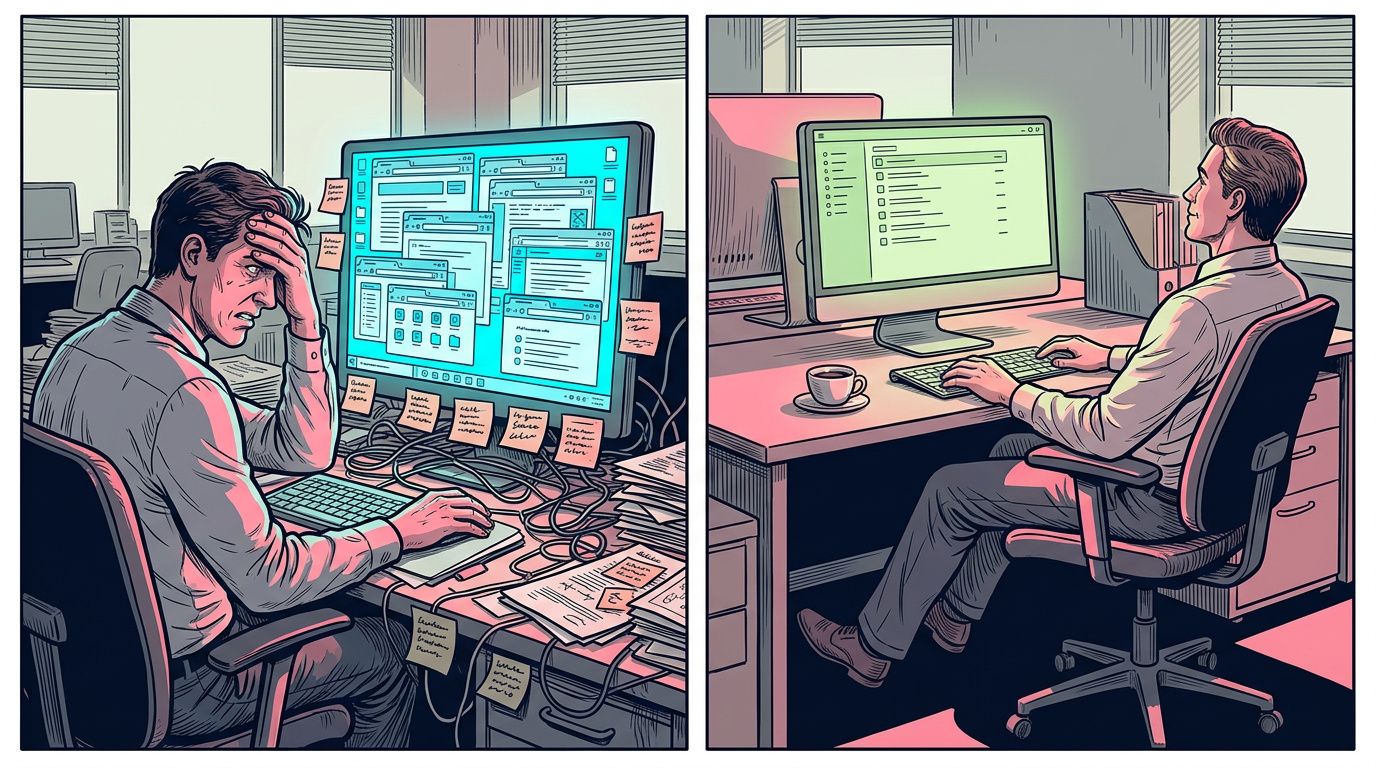
What a school, a hotel, and a construction company have in common
Three industries with no apparent connection arrive at the same problem: they depend on tools that do not belong to them. Here is the idea that connects everything I write on this blog.

Facebook Was Perfect Once Too.
The pattern is so predictable it has a name: enshittification. If you build your business on other people's tools, one day they will stop working for you. This is the lesson I learned from Facebook, and it applies to everything you use today.
Construiste el mejor DMC de México. ¿Tu plataforma digital lo sabe?
Varias décadas de operación, cinco divisiones, relaciones con los resorts más exclusivos del mundo. Pero cuando un travel advisor googlea, tu invisibilidad digital te cuesta el negocio. Descubre por qué una plataforma concebida para evolucionar es la decisión estratégica que diferencia a los DMC que crecen de los que se estancan.
Comments 0
Be the first to comment.